

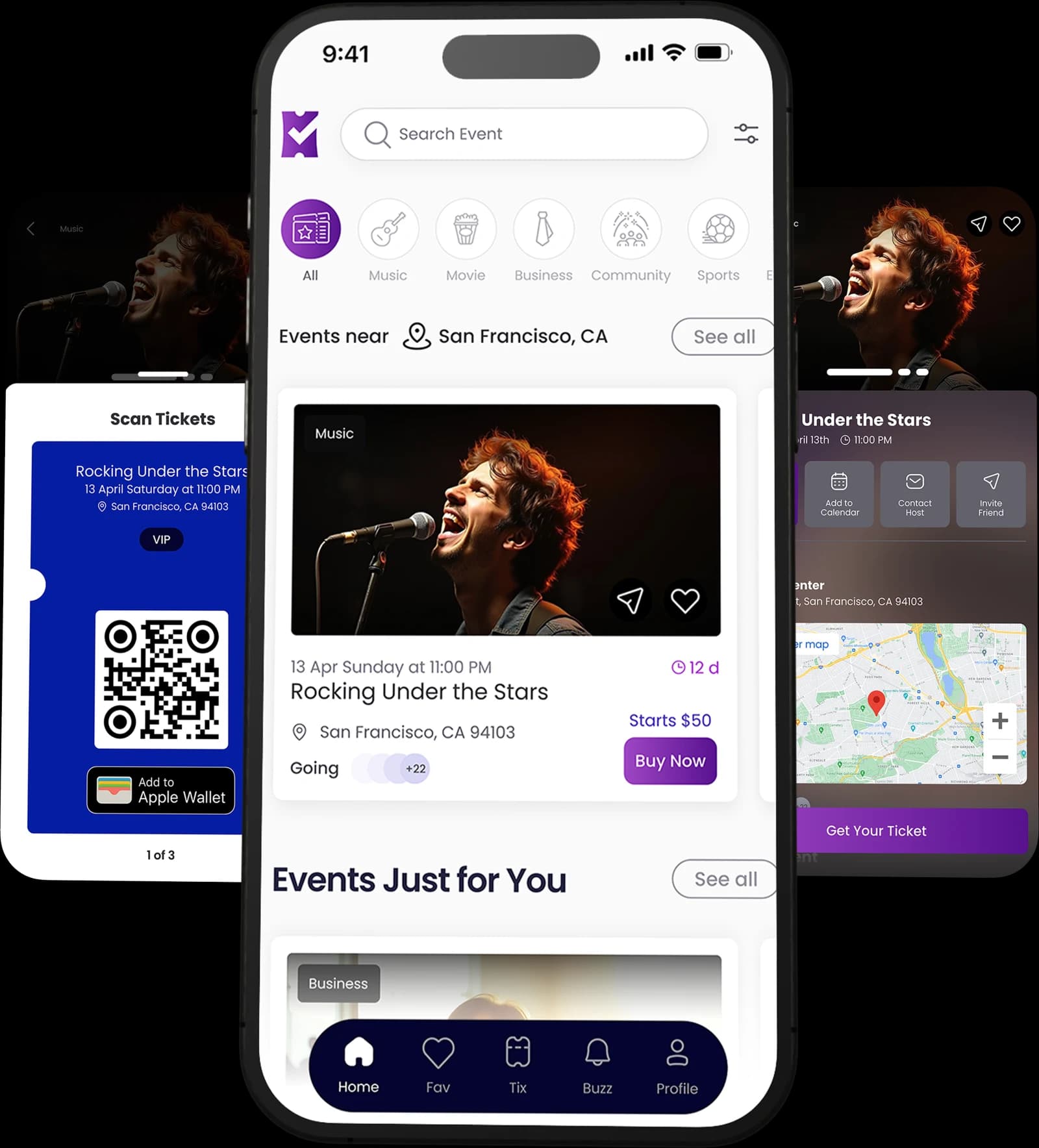
For attendees

Real events near you,three taps away.

Discovery that surfaces the gig down the road, not the stadium tour six states over.

The TixFix app: discovering events, a ticket with its QR code and Apple Wallet pass, and an event detail page

The journey

Open the app to walking in.

Six real screens, in the order you meet them. No mockups.
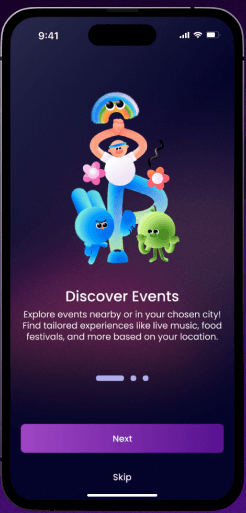
  • TixFix onboarding screen introducing event discovery
    Step 01

    Open it

    No account wall before you have seen anything.
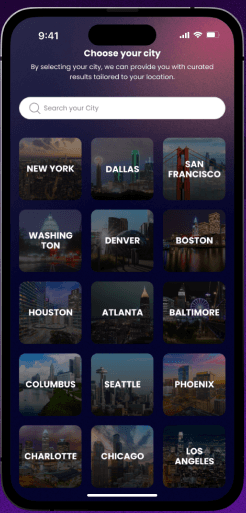
  • TixFix city picker showing US cities
    Step 02

    Pick your city

    Results curated to where you actually are.

  • TixFix discover feed showing events near San Francisco
    Step 03

    Browse

    Events near you, by relevance and what starts soon.
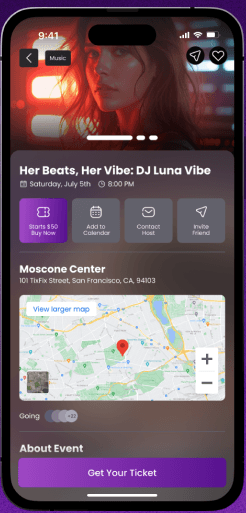
  • TixFix event detail screen with venue map and ticket options
    Step 04

    Decide

    Line-up, venue map, and the price before you tap.
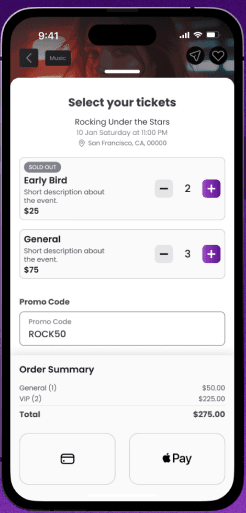
  • TixFix ticket selection screen with tiers, promo code and Apple Pay
    Step 05

    Book

    Tiers, promo codes, Apple Pay. A few taps.
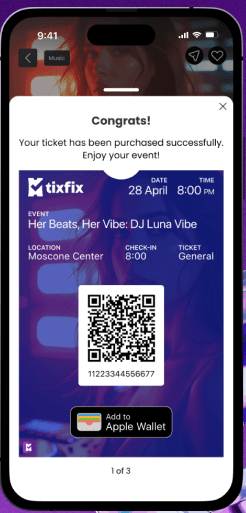
  • TixFix ticket confirmation with a QR code and Add to Apple Wallet
    Step 06

    Walk in

    Your ticket, in the app and in Apple Wallet.

How it works

Find it, get it, go.

  • Discover events

    Find what is on near you or in a city you are heading to, ranked by relevance and what starts soon.

  • Deals and VIP tiers

    Promo codes and VIP tickets where organizers offer them, at a 2% + 49¢ service fee per ticket.

  • Book and enjoy

    Checkout in a few taps, then your ticket lives in the app and in Apple Wallet until the door.

Not ready to install anything?

The same events, in your browser.

Browse events